
1
Make a form
Upload the PDF or photo you already use, write your own, or start from a template.
Settings → Forms → New form
Trainer view
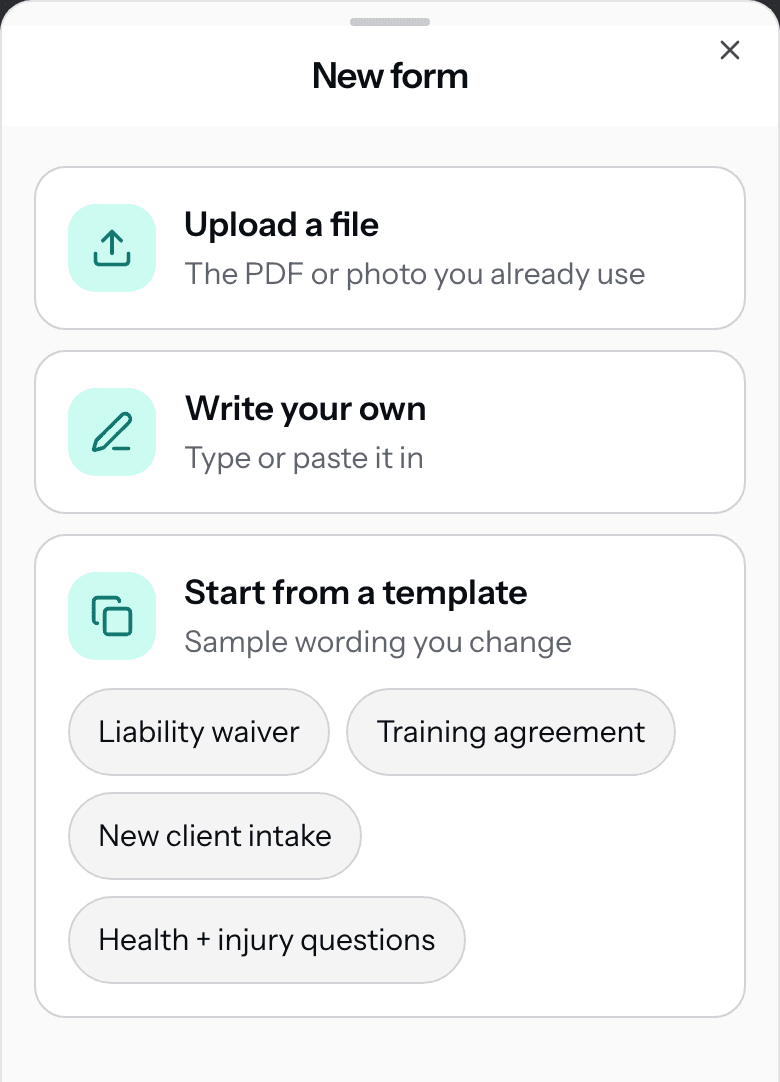
- A template is sample wording. Change it to fit your business before you send it, because your client sees exactly what you save.
- Turn on Client signs at the end for a waiver or an agreement. Leave it off for an intake form your client fills in and submits.
- Add questions if you like: short answer, long answer, pick one, or Yes/No. Any of them can be required.
- Upload one PDF up to 20 pages, or up to 10 photos of a paper form. Each file can be up to 10 MB.
- Editing a form changes the next ones you send. A form you already sent stays the way your client saw it.